Your Stream Deserves a
Better Overlay
"Free, offline, zero-bloat. The versus scoreboard overlay built for streamers who actually care about their production value."
v1.0.0 · Free & Open Source
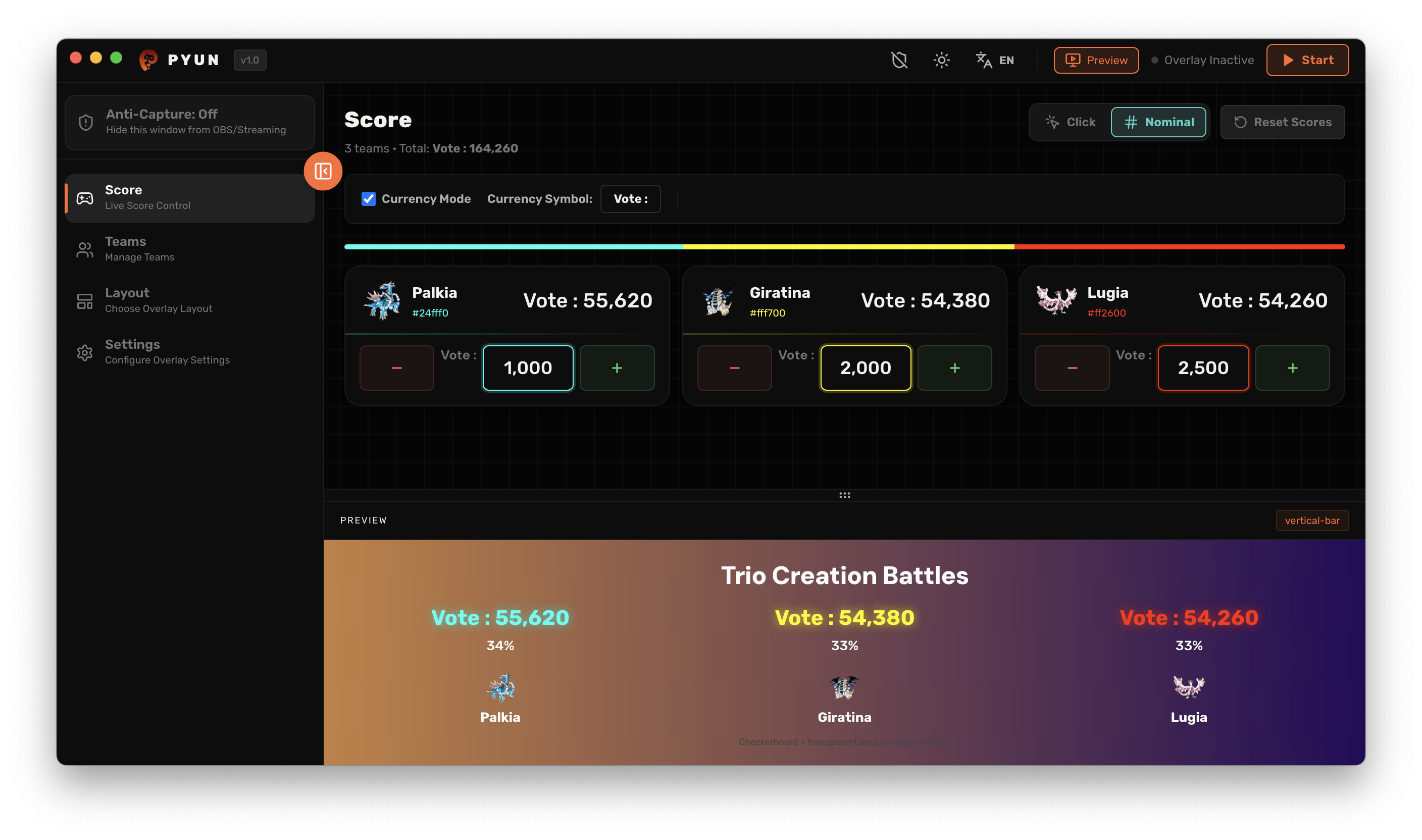
Instant Workflow
Live in 3 Steps
From download to live broadcast — set up your professional tournament overlay in under five minutes.
Set Your Score & Vibe
Pick a layout, drop in team logos, choose your color scheme. No cropping, no clipping — everything fits perfectly.
Plug Into OBS
Add Pyun as a Window Capture source in OBS Studio. Enable Allow Transparency. Done — no plugins needed.
Go Live & Take Control
Update scores on the fly with one click. Your overlay updates instantly, live, in real time.
Inside the App
Control Panel
Four focused menus. Everything you need to run a slick live production — nothing you don't.
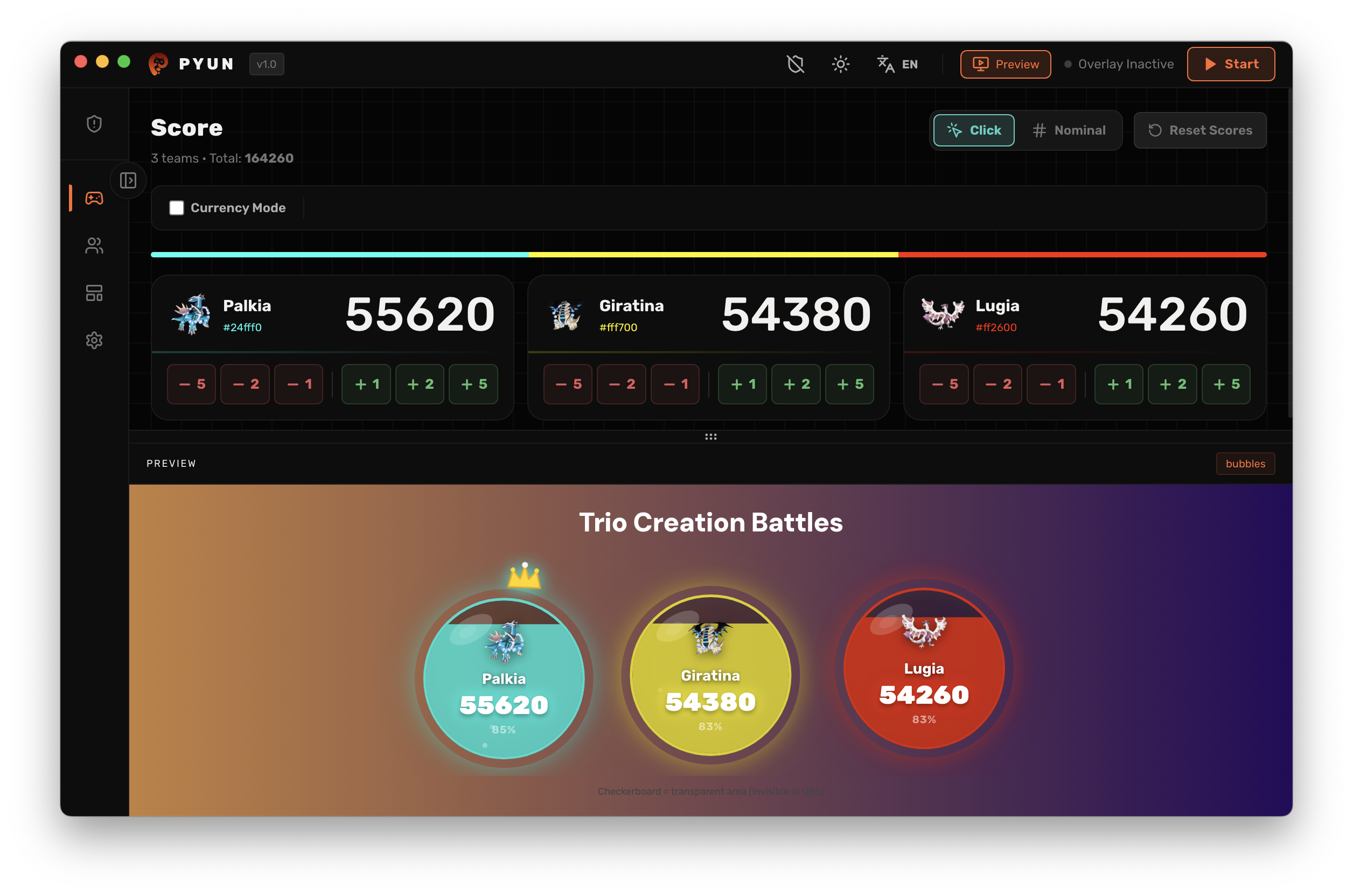
Score & Control
Your live command center. Add or subtract points instantly, switch to donation/currency display mode, and wipe the slate with a single reset.
- Real-Time Score Control
- Donation / Currency Mode
- Visual Hit Effects
- One-Tap Score Reset
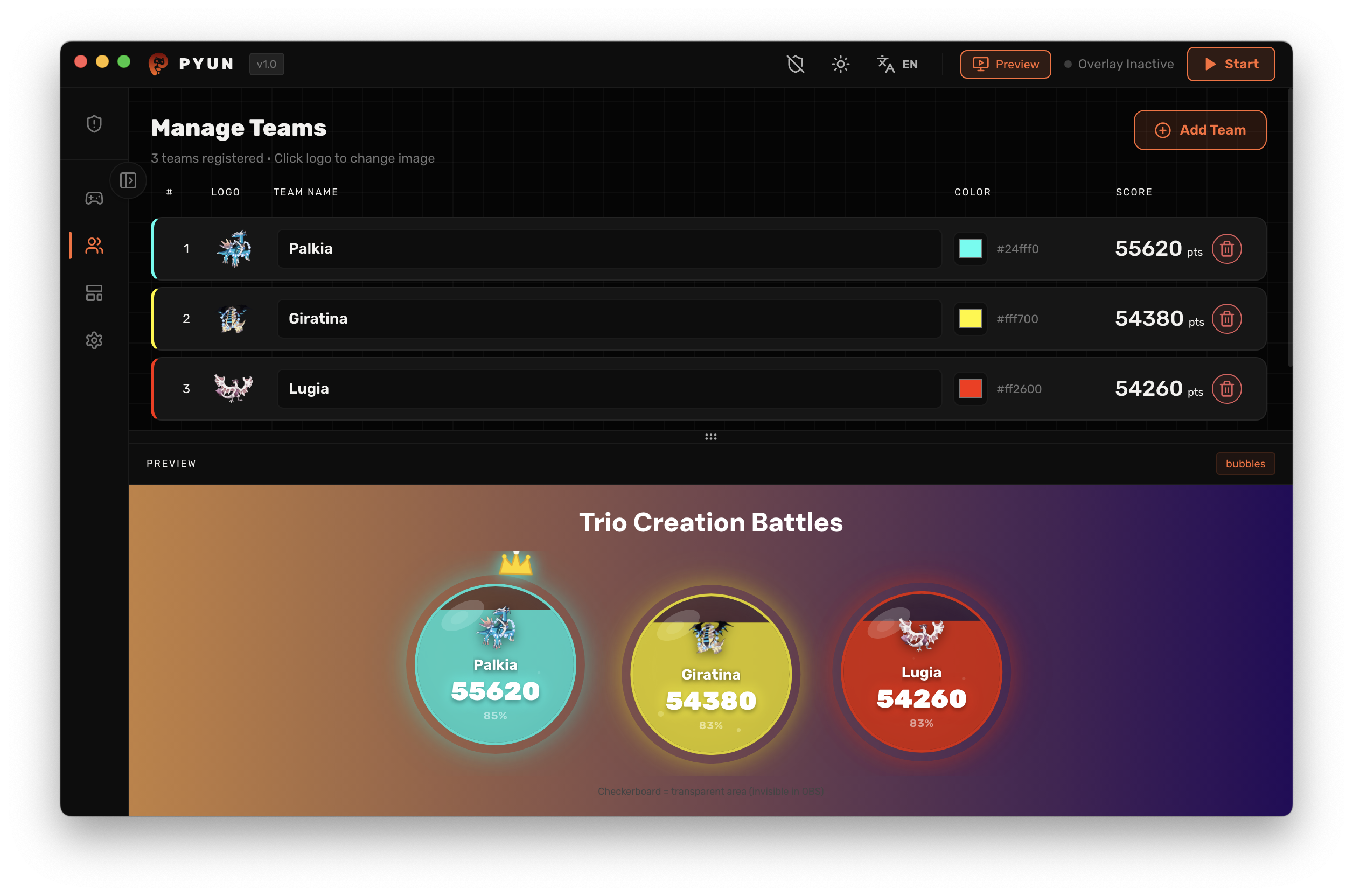
Teams & Identity
Set up every team exactly how you want. Custom names, distinct colors (auto-assigned or manual), and logo uploads that never get cropped.
- Add / Remove Teams
- Name & Color Customization
- Team Logo Upload
- Auto Color Assignment
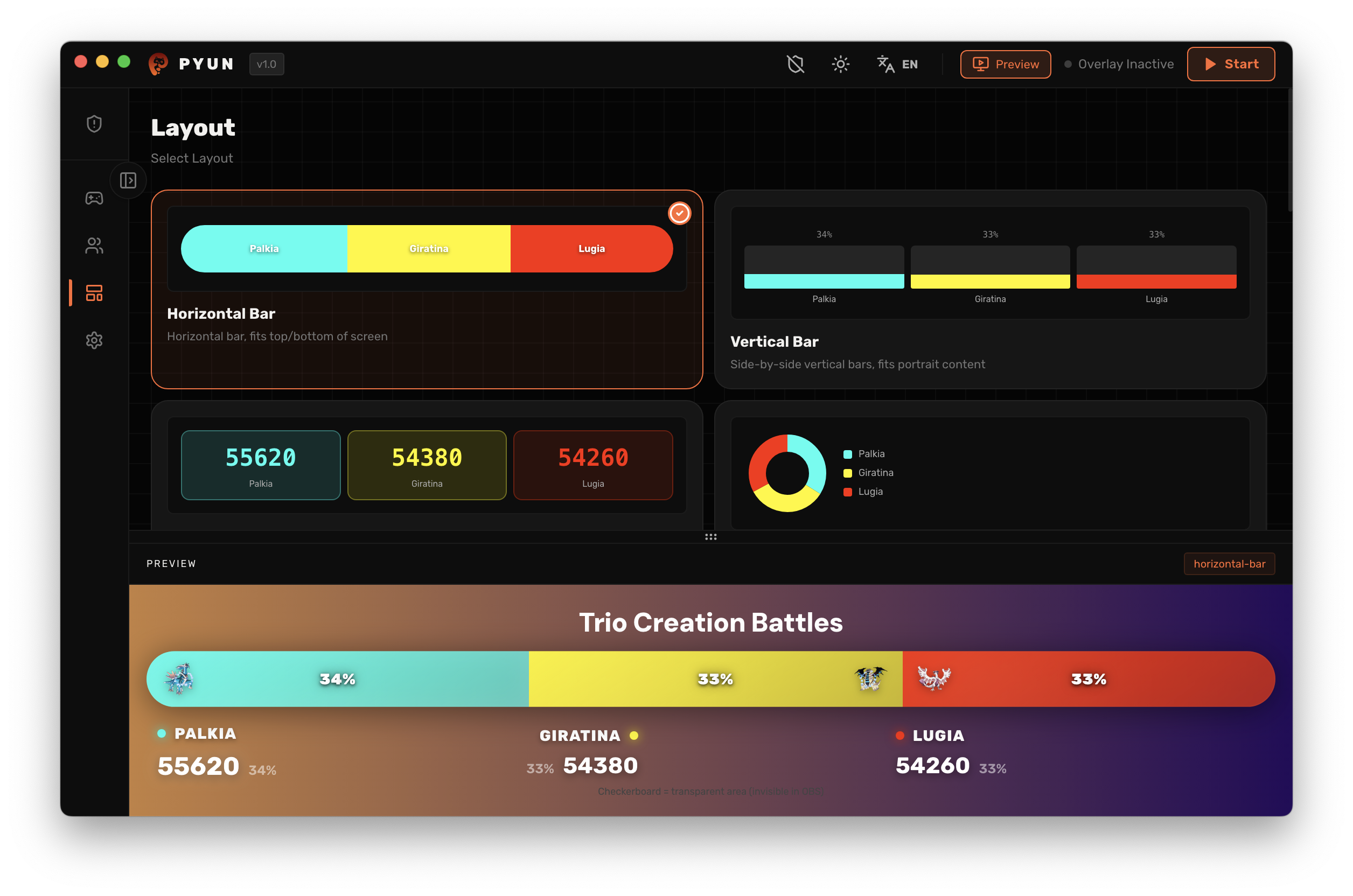
Visual Layouts
Match the overlay to your stream's energy. Switch between Standard, Bubbles, Avatar VS, Speedometer, and Neon Stack — then fine-tune every visual detail.
- Standard / Horizontal Bar
- Bubbles & Avatar VS
- Speedometer & Neon Stack
- Per-Layout Customization
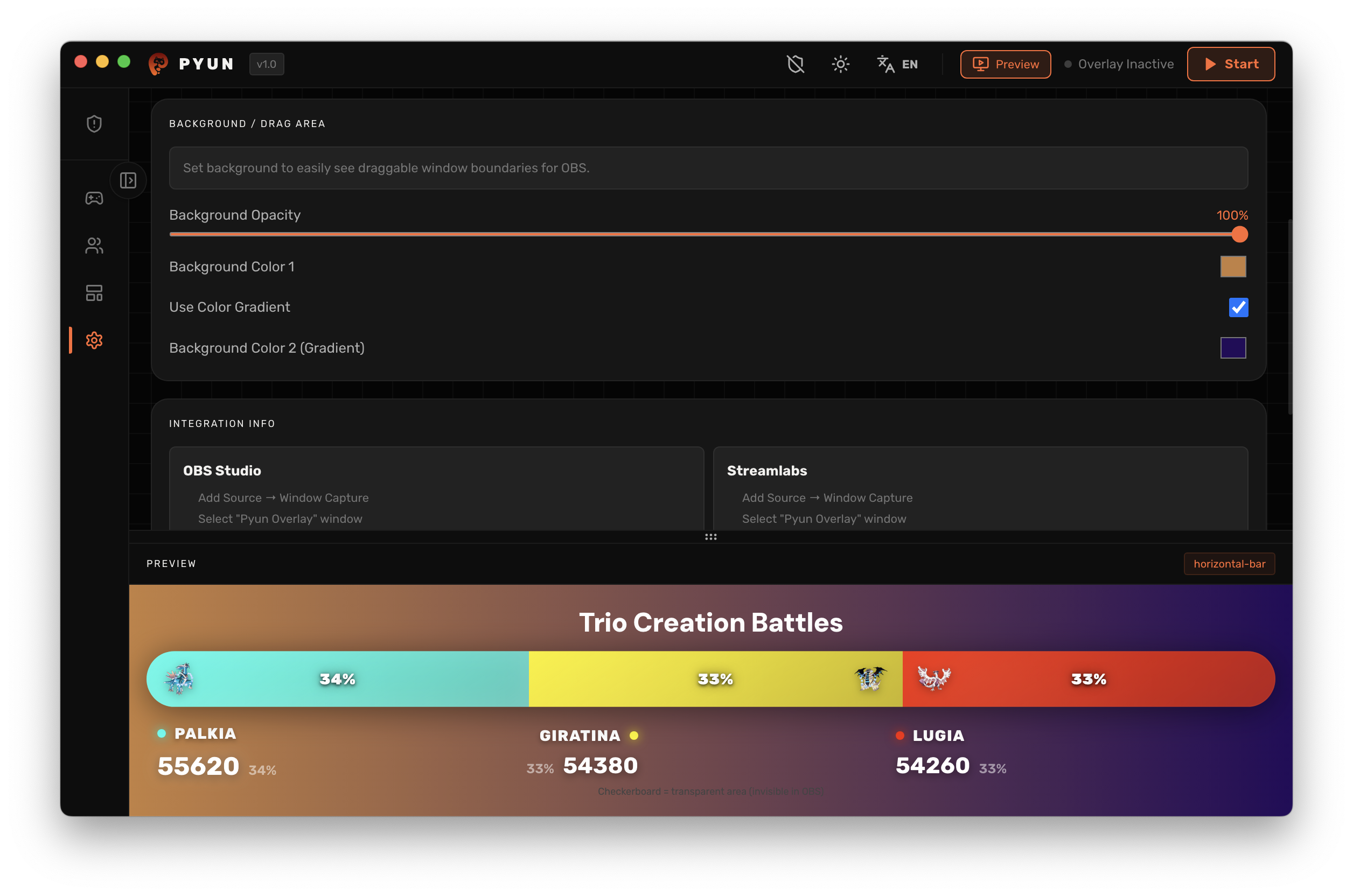
Settings
Fine-tune how Pyun looks and runs. Language, theme, overlay opacity, animation speed, drag-area helper, and step-by-step OBS integration guide — all in one place.
- Language & Theme (Light/Dark)
- Overlay Opacity & Animation Speed
- Drag Area Helper
- OBS / Streamlabs Integration Guide
Why Streamers Choose Pyun
Built Different.
No subscriptions. No servers. No performance hits. Just a clean, fast overlay tool that works every single stream.
100% Offline & Lightweight
Runs entirely on your machine — no internet required, no accounts, no databases. Zero CPU overhead during your live stream.
Native OBS Transparency
Full alpha transparency support out of the box. Drop it over your gameplay and it just works, pixel-perfect.
Deep Customization
Swap layouts, tweak colors, resize elements, upload team logos — every detail is yours to control.
Anti-Capture Mode
Your control panel stays invisible to OBS and Discord screen capture. Viewers only see the overlay — not the magic behind it.